Sign in for a more personalised experience
Unlock a more personalised experience to discover special offers, suggested products and more!
Sign inDon’t have an account? Click to sign up today!
Reading Planet Online

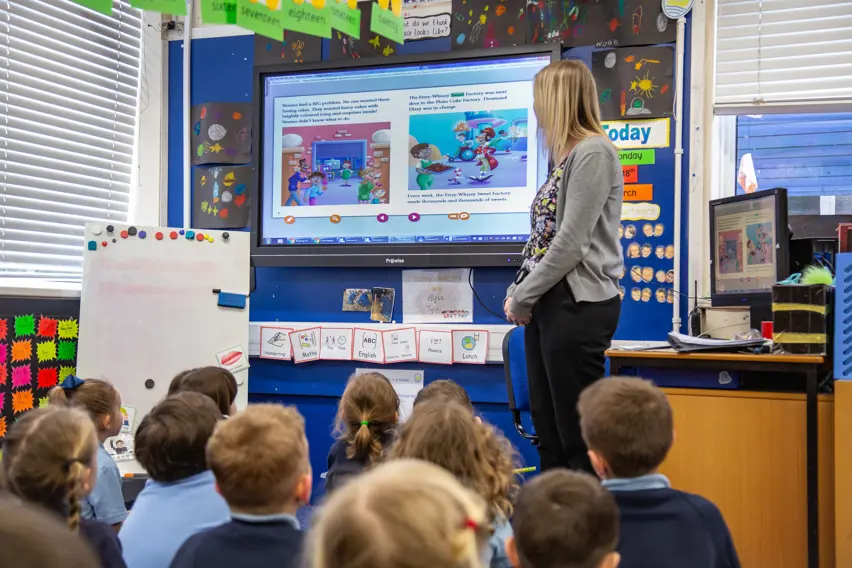
Reading Planet Online Library in action

About Reading Planet Online
Overview
Features & Outcomes
Stage-by-stage Support
Brochure
Reading Planet includes digital resources to enhance your classroom teaching, seamlessly link school and home, and inspire learners in exciting new ways
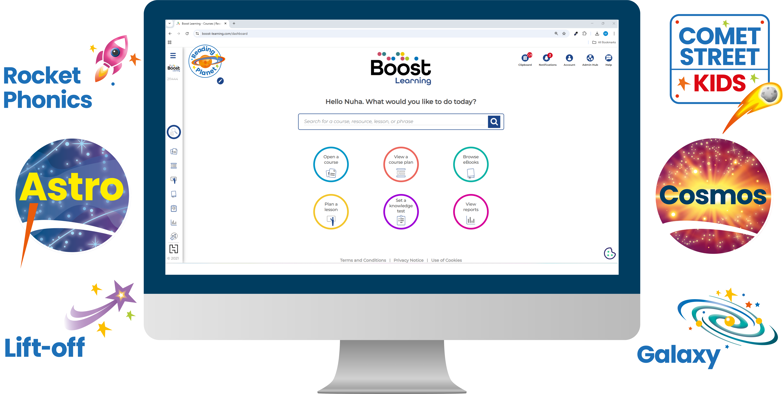
- Engage all learners through fun accessible platform features such as synchronised audio, auto-marked quizzes and avatars
- Reduce your workload with the auto-marked quizzes and assessments, comprehensive teaching and learning materials for each eBook, and ready-made Course Planners
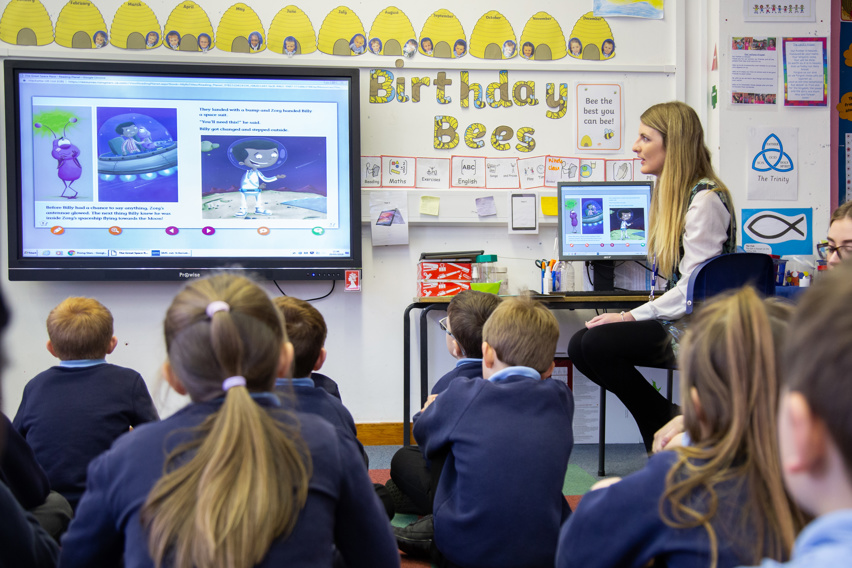
- Easily share and explore the eBooks on an interactive whiteboard or tablet
- Helpful search and zoom tools allow you to navigate with ease and you can personalise with notes, voice recordings and pen tools
- Quickly allocate resources via Boost, weblink, Google Classroom or Microsoft Teams so learners can read eBooks in school and at home, on any device
- Track, assess and report on the reading attainment and engagement of individuals, groups and classes using the Teacher Reporting Tool

Achieving reading progress with the Reading Planet Online library

Look inside Reading Planet Online
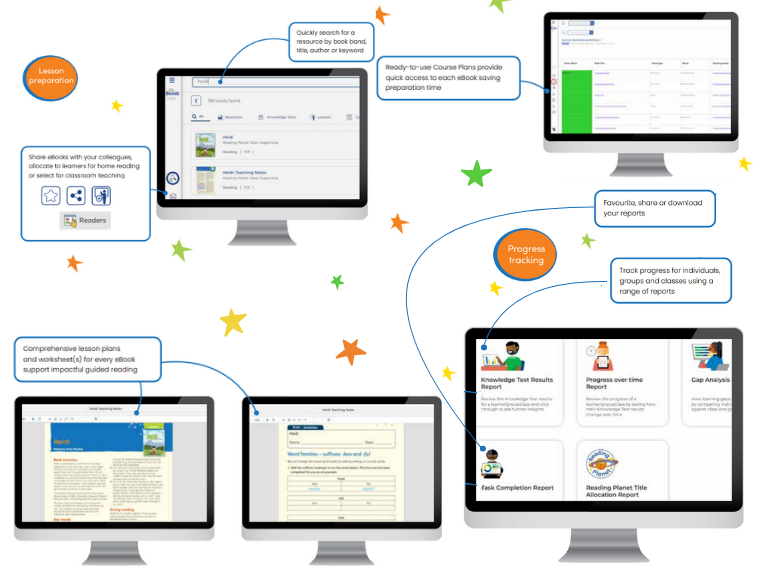
- Quickly search for a resource by book band, title, author or keyword
- Share eBooks with your colleagues, allocate to learners for home reading or select for classroom teaching
- Ready-to-use Course Plans provide quick access to each eBook saving preparation time
- Comprehensive lesson plans and worksheet(s) for every eBook support impactful guided reading
- Track progress for individuals, groups and classes using a range of reports
- Favourite, share or download your reports
Try FREE for 30 days!
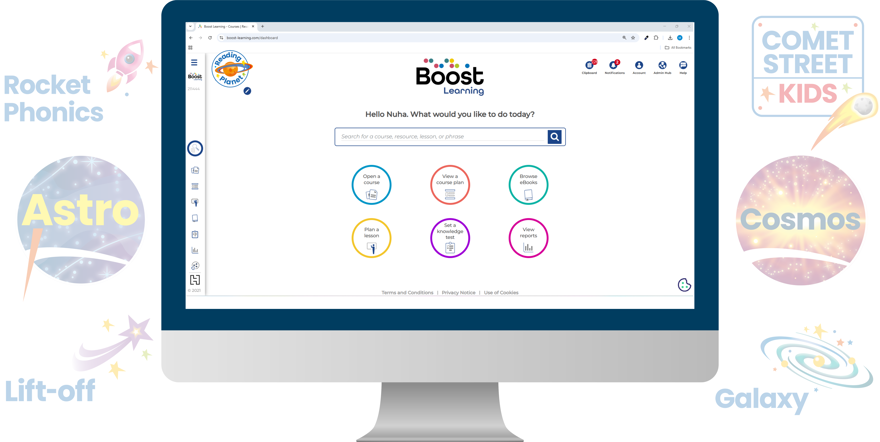
You can access the Online Library via Boost Learning. You can log in to Boost Learning using the same credentials you used to place your order.
When you try to log in to Boost Learning for the first time, you may see a message telling you that you need to be granted access by your Access Coordinator. This will be a member of staff at your school. You can send an automated request from the 'Access Declined' page to request access.
Alternatively, you can contact your Access Coordinator directly. If you're not sure who your Access Coordinator is, contact digital support here.
Once logged in, you will be able to access your subscriptions under ‘Open a Course’ on the dashboard or ‘Courses’ on the left-hand menu. Learn more about accessing Reading Planet Online resources here.
Being able to view and interact with the books on an iPad is very engaging for the children
Danni Rackley, English Lead Downsway Primary SchoolThe opportunity to set reading tasks without having to send paperback books home has been really well received
Claire Coates, Headteacher Griffydam Primary SchoolRather than it being a passive experience the children come up to the whiteboard and answer quizzes, highlight text, move things around - it all enhances the shared reading experience
Stephen Booth, Head Teacher St Barnabas CE First and Middle School
Browse the full list of Series supported by Reading Planet Online...
Got a different question?
Hear from us
Curriculum changes. New materials. Price discounts and unmissable offers. We’ll make sure you don’t miss a thing with regular email updates, tailored by subject and age group.